Find your Altora induction login
Looking for your company’s Altora induction login? Here’s how to access it, and what to do if you can’t find it.

Looking for your Altora induction login?
If you’ve been asked to complete an induction through Altora, you won’t log in through a single public “Altora portal”.
Instead, your employer or site manager will send you a unique login link for your company’s induction system.
Please note: In the interest of security, Altora Support will not disclose company-specific login URLs.
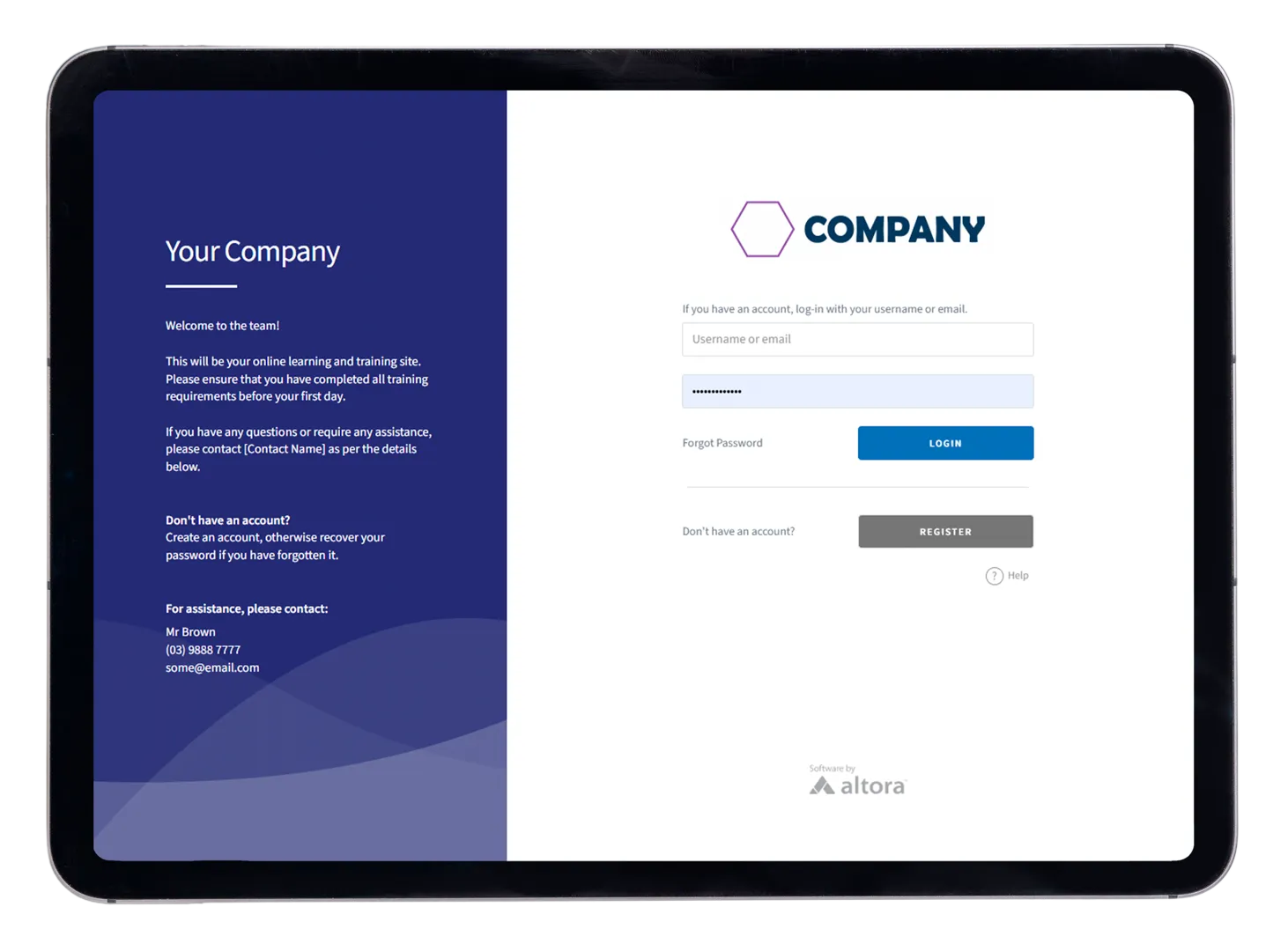
How to find your company login page

Why there isn’t a single Altora induction login
Secure company-specific access
Altora is configured per organisation, including your company’s:
- branding and login page
- induction content and site requirements
- permissions and access rules
- compliance workflows and reporting
That’s why your induction access is provided via your employer’s dedicated URL (not a shared public login).
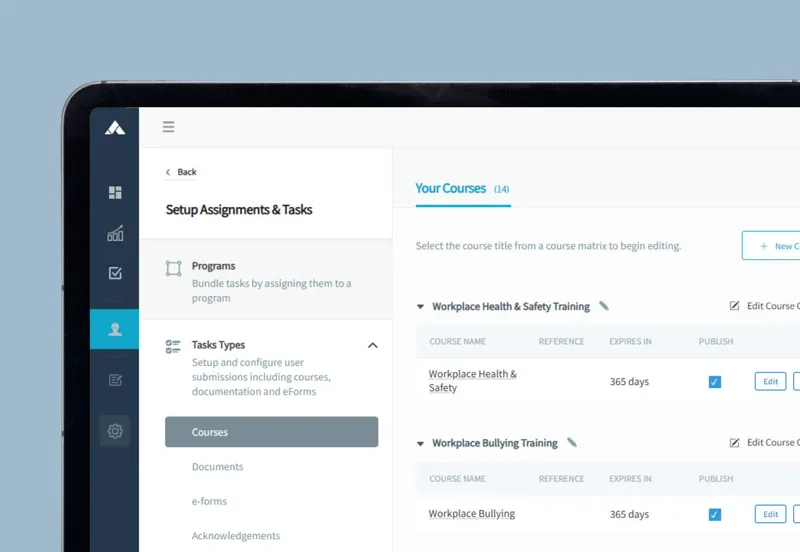
A consistent experience, tailored to your workplace
Your company’s Altora environment is built to match how your workplace runs, including specific training modules, required documents, and sign-in rules.
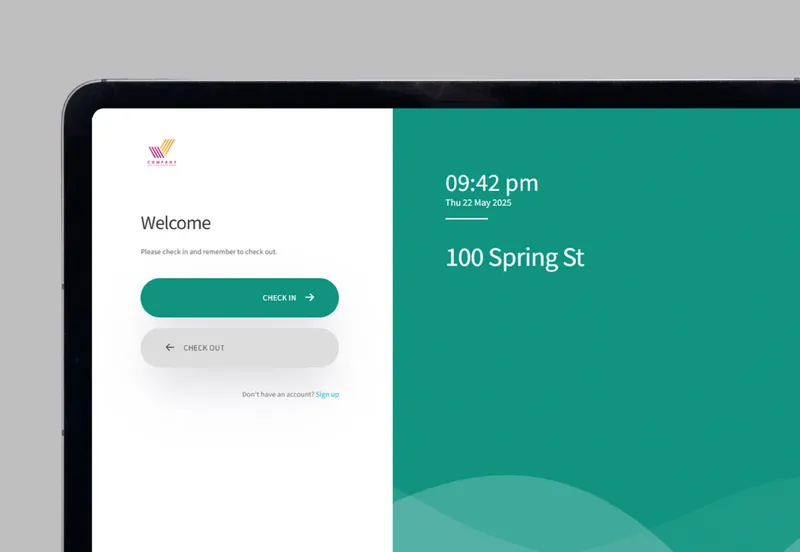
For employers: want a branded induction login URL for your team?
Altora provides each client with a dedicated induction URL, making it easy and secure to invite workers, contractors, and visitors to complete site requirements.
Try a demoStart free trial