Ensure workers meet site compliance requirements
Stop non-compliant workers at the gate, not after an incident. Altora checks inductions, licences, documents and site rules every time someone checks in, so only people who meet your requirements start work.
Book a free demoStart a free trial
Confirm compliance in seconds
On a busy site, there isn’t time to check every licence and induction record by hand. And if you’re responsible for several sites, it’s impossible to be at every gate.
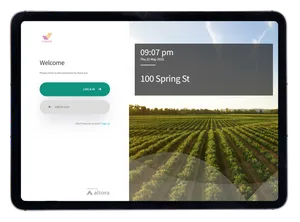
That’s why Altora’s Check-in System gives you at-a-glance confirmation. As each worker checks in, their inductions, licences and documents are checked against the site’s requirements, and the result is shown straight away. Compliant workers get on with the job, and anyone who isn’t is stopped before they start.

Why compliance slips at the gate
1. Set requirements for each site
Choose what each site needs, and vary it by worker or visitor type. Requirements can include:
- Completed inductions and training, such as a site-specific induction
- Licences, tickets and certifications
- Documents such as police checks or medical declarations
- Policy acknowledgements and site rules
Workers’ records come from their Altora profile, so there’s nothing extra for them to bring to site. Learn how to deliver different inductions by role, site or worker type.
2. Check every worker automatically
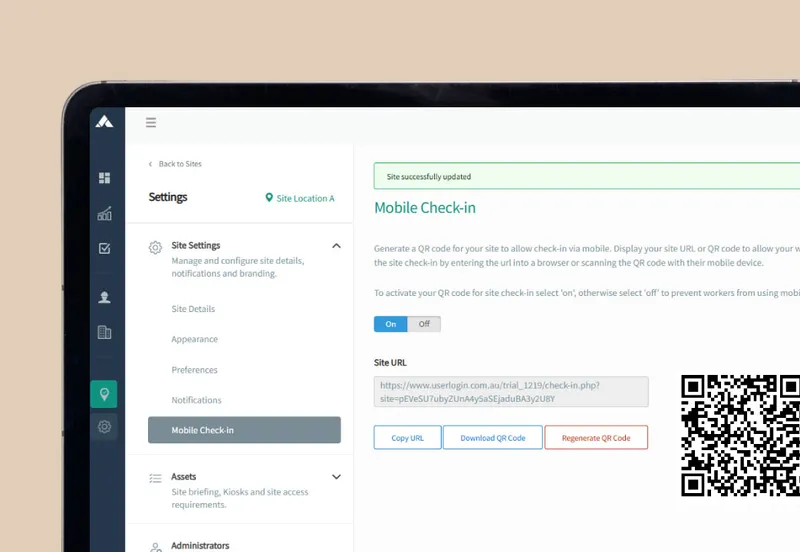
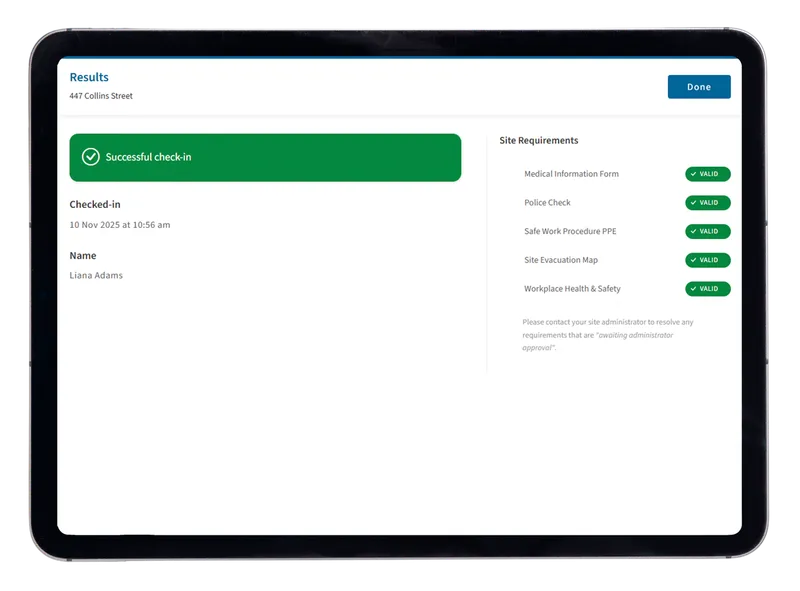
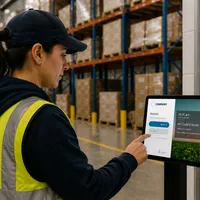
Workers check in with a QR code on their phone or at a kiosk. Altora checks their records against the site’s requirements and shows a clear result, with each requirement marked valid or invalid.
There’s nothing for site staff to look up, and the same rules are applied every time, at every site, whether or not anyone is at the gate.
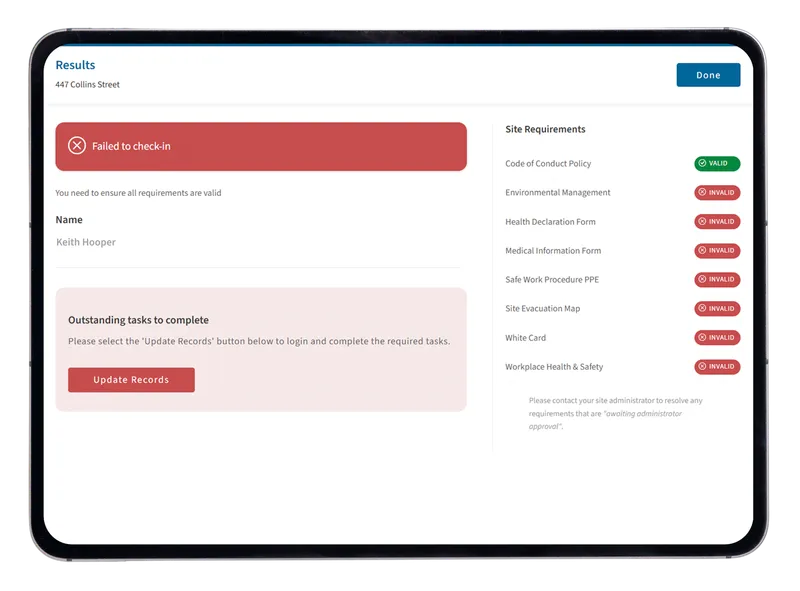

3. Stay in control when someone doesn’t comply
You decide what happens when a worker doesn’t meet the requirements:
- Disallow check-in until the requirements are met
- Conditionally approve check-in, with records to be updated later
Site admins are notified straight away. The worker sees exactly what’s missing and can log in to complete their induction on the spot from their own device.
4. Make sure workers know the site rules
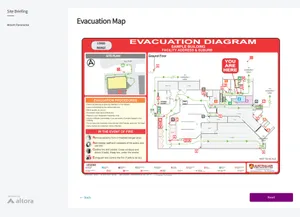
Show site briefings, evacuation maps, safety notices and terms during check-in. Workers must acknowledge that they’ve read and understood them before they can check in, and every acknowledgement is recorded.
When rules change, update them once. Changes take effect immediately and are shown on each worker’s next visit, giving you an auditable record of who has acknowledged what.

Keep workers compliant between visits
Checking compliance at the gate works best when records are kept up to date the rest of the time.
Expiry reminders
Workers are reminded before licences, certificates and inductions expire, so they can renew before they’re turned away.
Contractor compliance
Contractor companies keep their own workers’ documents and inductions up to date through the Company Access Portal.
Who's on site
See who’s on site right now, and whether they were compliant when they checked in.
Site compliance in practice
Thales Group
Managers needed a complete picture of contractor credentials on every Thales-managed site. Automated credential checking replaced manual approval of licences and trade certifications.
Case StudyOrigin Energy
Contractors complete their inductions before arriving at any of Origin’s nine power stations, cutting the time spent inducting them on site.
Case StudyVillage Roadshow Theme Parks
Contractors in different roles complete their inductions online or at dedicated sign-in kiosks when they arrive on site.
Built for sites with strict entry requirements
Verifying compliance at check-in is essential where workers need specific licences, tickets or inductions to be on site, including construction, mining, manufacturing, renewable energy and health and aged care.
Read our guide to contractor sign-in, or learn why tracking compliance records is important.
Explore the Check-in System