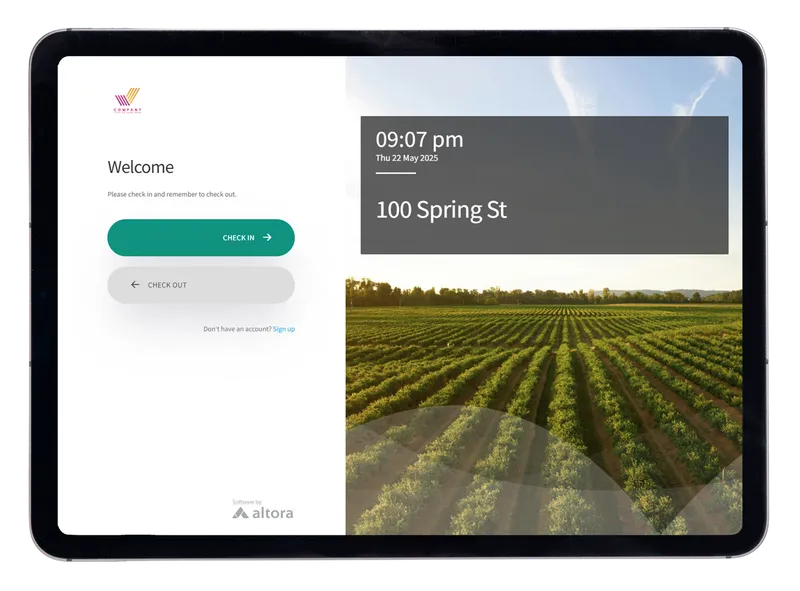
Manage multiple sites with unstaffed check-in kiosks
Run consistent, self-serve check-in at every depot, site and gate, even where there's no one at reception. Workers sign in with a QR code or kiosk, compliance is checked automatically, and you see every site from one dashboard.
Book a free demoStart a free trial
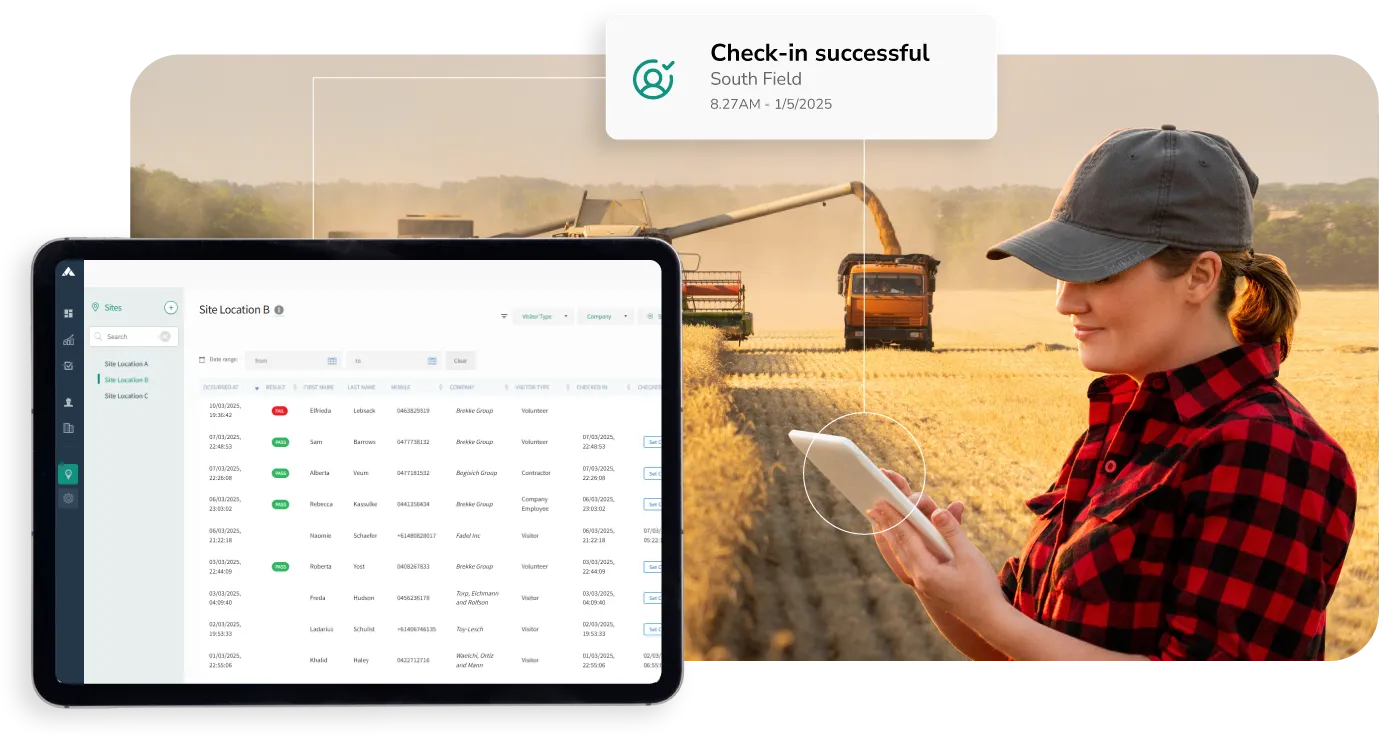
One check-in process for every site
When you run several depots, worksites, offices or remote locations, it isn’t practical to staff a front desk at each one. Paper sign-in books end up at every gate, each site does things a little differently, and nobody has a clear picture of who’s where.
Altora’s Check-in System gives every site the same simple, self-serve check-in. Workers and visitors sign in with a QR code on their own phone or at an unstaffed kiosk, their compliance is checked automatically, and you can review check-ins, inductions and compliance across all your sites in real time.
The problem with managing check-in site by site
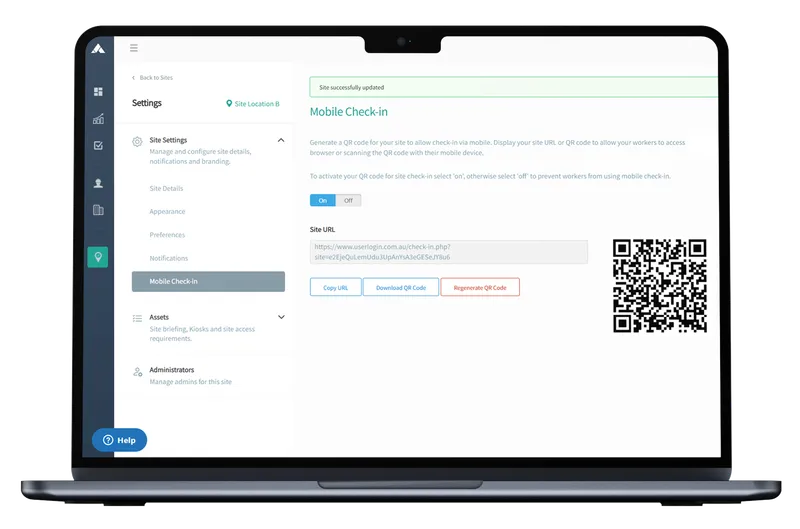

1. Set up each site in minutes
Add each location as a site, and add more whenever you need them. For every site you can:
- Generate a QR code to print and display at the entrance
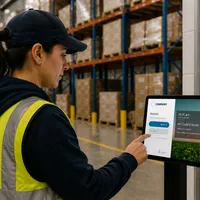
- Set up a tablet as a self-serve kiosk, with your own branding
- Set compliance requirements for each site and worker or visitor type
- Add site briefings, safety notices and acknowledgements
- Choose which admins and hosts are notified when someone checks in
2. Let workers check themselves in
Workers and visitors scan the QR code with their own phone or use the kiosk. They’re guided through check-in, acknowledge the site’s briefing and terms, and check out the same way when they leave.
Every check-in is time-stamped against the right site, and check-ins are unlimited, so workers can move between sites as often as they need to.

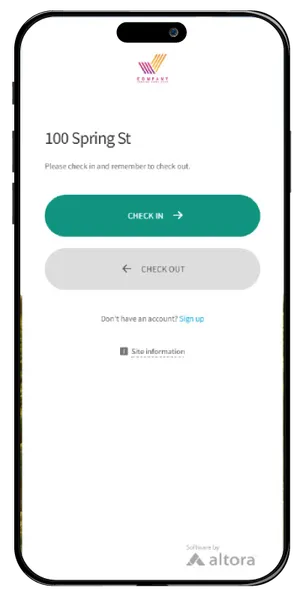
3. Check compliance without staff on site
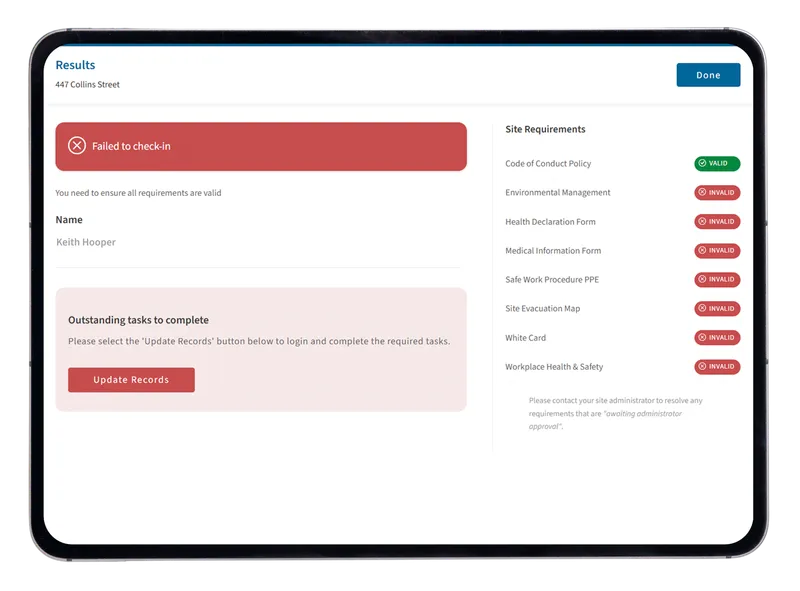
Combined with Altora’s Online Induction System, each check-in is checked against the site’s requirements, such as completed inductions, licences and documents.
If something’s missing or expired, the worker is told straight away and can complete their induction on the spot from their own device. Site admins are notified when a worker doesn’t meet the requirements.
4. Manage every site from one dashboard
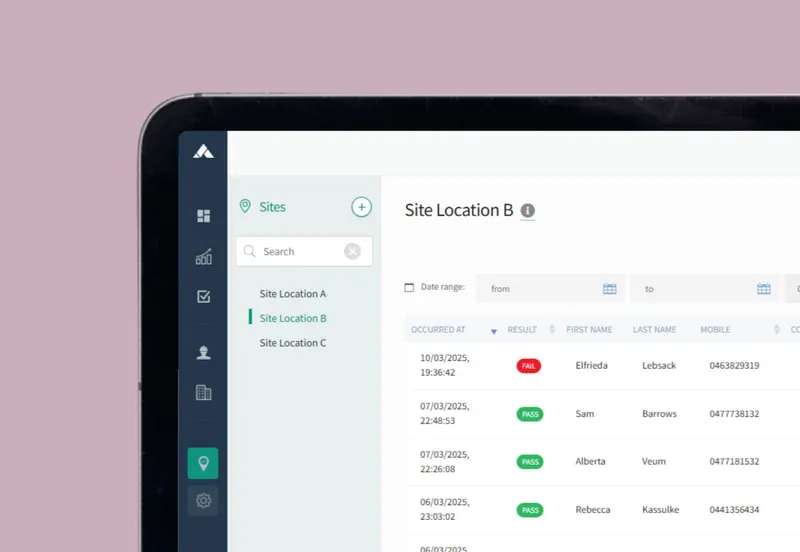
See check-ins for all your sites in one place, or filter to a single site. Admins and nominated hosts get instant notifications with the person’s details, compliance status and check-in time and location.
Give site managers and HR managers their own access levels, keep emergency contact details for every worker on file, and pull up a live who’s-on-site list for any site at any time.
Pricing built for multiple sites
Pay for the sites you need, not for every person who walks through the gate.
Unlimited check-ins
No per-user or per-check-in fees, however many workers, contractors and visitors you have.
Two sites included
Start with two sites and add more as you grow. The cost per site reduces as you add more sites.
No lock-in contracts
Choose month-to-month, or pay annually and save. Add or remove sites as your operations change.
Multi-site organisations using Altora
Village Roadshow Theme Parks
Contractors complete inductions at dedicated sign-in kiosks or on their phone across multiple properties, saving over 1,000 hours in the first year.
Case StudyOrigin Energy
Manages contractor inductions across nine power stations, so contractors are ready before they arrive on site.
Case StudyClough
Averages around 1,500 course completions a month across multiple worksites, with real-time audit reports across every site.
Built for organisations with many locations
Multi-site check-in is used across construction, mining, transport and logistics, renewable energy, agriculture and hospitality and events, wherever people move between depots, sites, venues and remote locations.
Read more about contractor sign-in, maintaining contractor compliance across multiple depots and warehouses and the 6 signs your company needs a sign-in system.
Explore the Check-in System