Combining induction software with site check in
Induction and compliance go hand in hand. Combine Altora's Induction Software with our Sign-In System for a complete induction solution.
Book a free demo
Altora’s Online Induction System
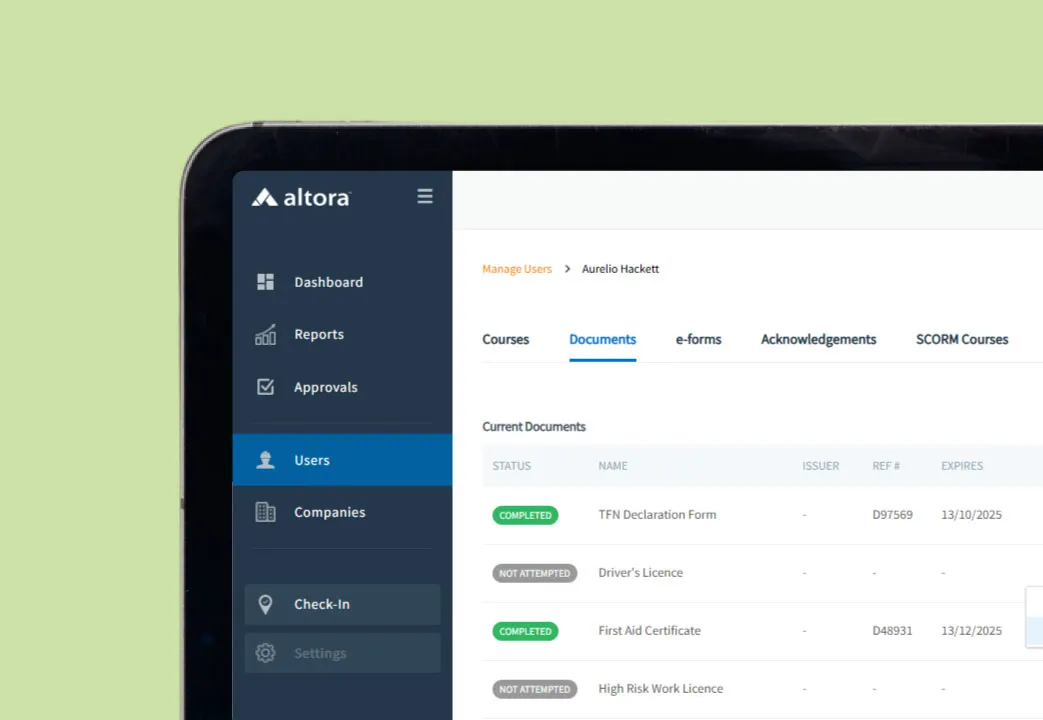
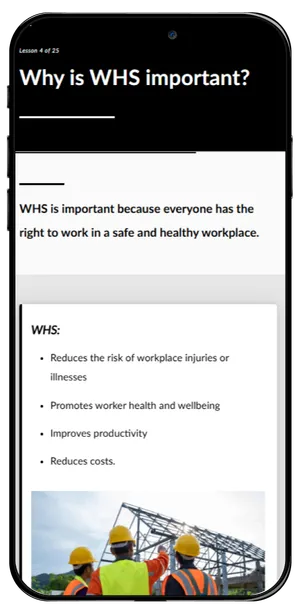
Our online induction program is Altora’s core product and is designed to help your workforce complete inductions with ease. With the ability to have unlimited users and a fully customisable interface, you’ll be able to manage worker documentation and training with ease. Set up custom training matrix’s suited to specific roles and site-specific inductions, create new and engaging content and learning courses or upload your existing induction content.
Altora’s Sign In System
Altora’s Sign In System is the perfect add-on product that works in conjunction with our Online Induction Software to manage the sign in process, keep on top of visitor access and verify compliance.
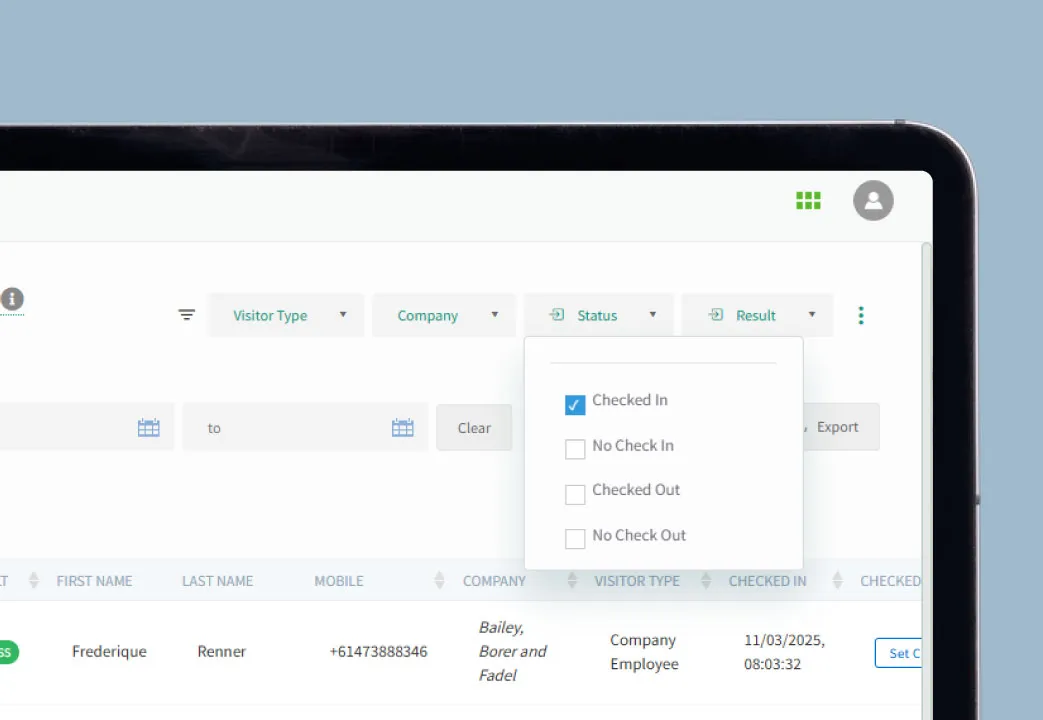
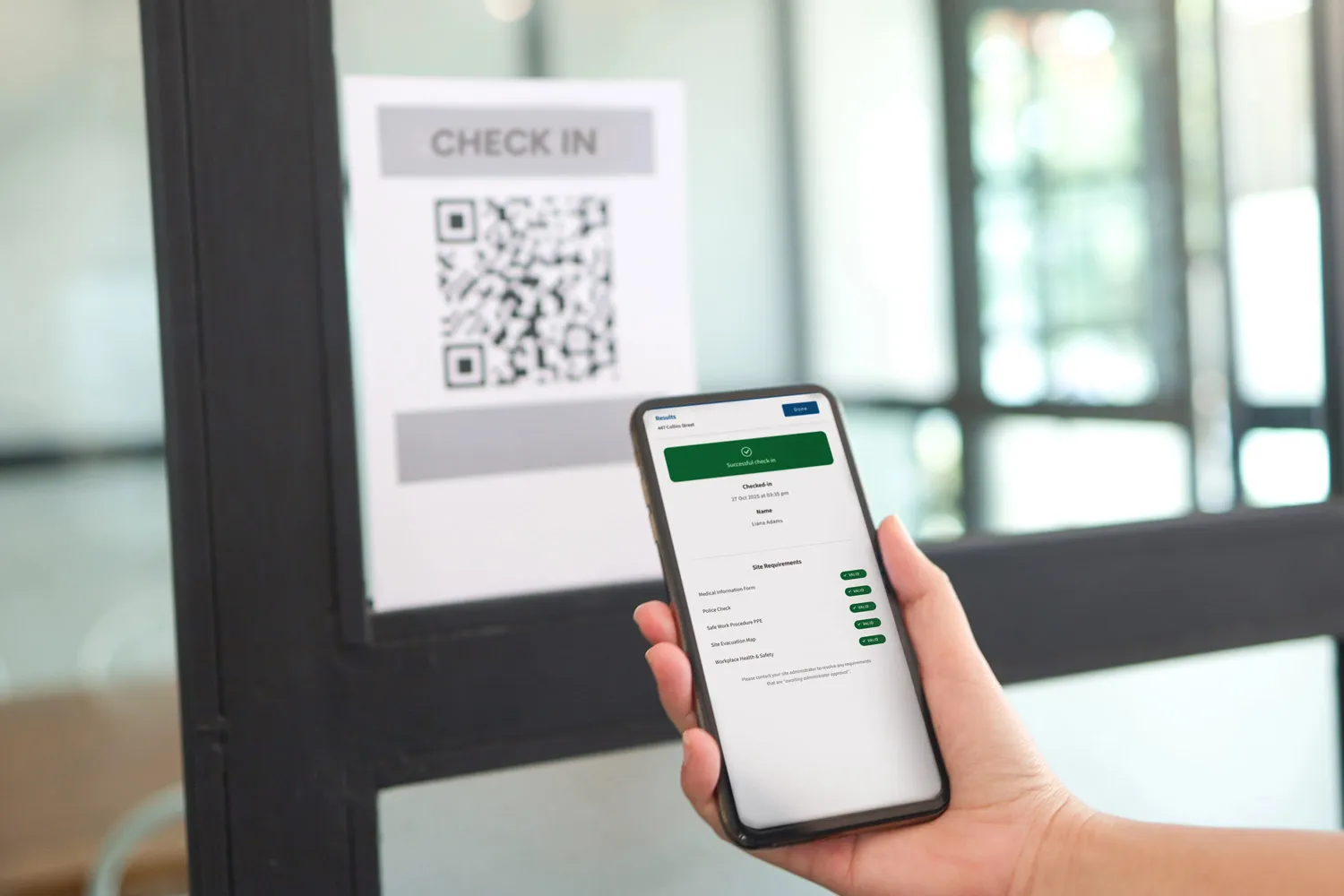
Record visitor management and worker attendance on site and at the point of check-in. This helps companies verify compliance, manage site access, facilitate safety briefings and capture missing items.
Optionally verify worker credentials prior to arriving on site. Verifying compliance before workers arrive helps companies capture relevant information and approve workers before they arrive on site. This helps speed up the process and save time on the day, reduce risks and keep on top of legal requirements.
How does the visitor management system work?
Our visitor management system enables the following:
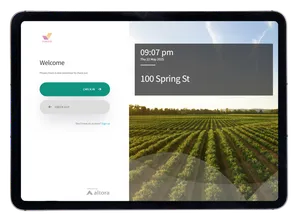
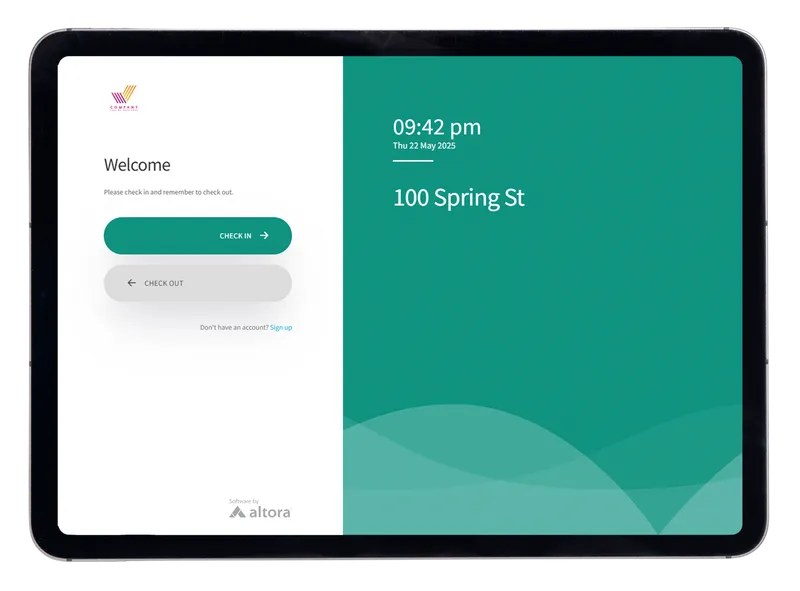
- Sign in when visitors arrive on site via a digital kiosk or scan a QR code
- Manage the sign in process on the go via mobile devices
- Experience ease of monitoring with instant notifications and live updates in real-time
- Emergency management capabilities, including the use of ‘who’s on site’ reporting, which allows you to see exactly who’s on site, where and when.
- Robust safety compliance management
- Facilitate sign ins across multiple sites
- Receive prompts and notifications for employee’s missing induction items
- Experience a streamlined process and remove the need for manual data entry
Vestas - Check-In System:
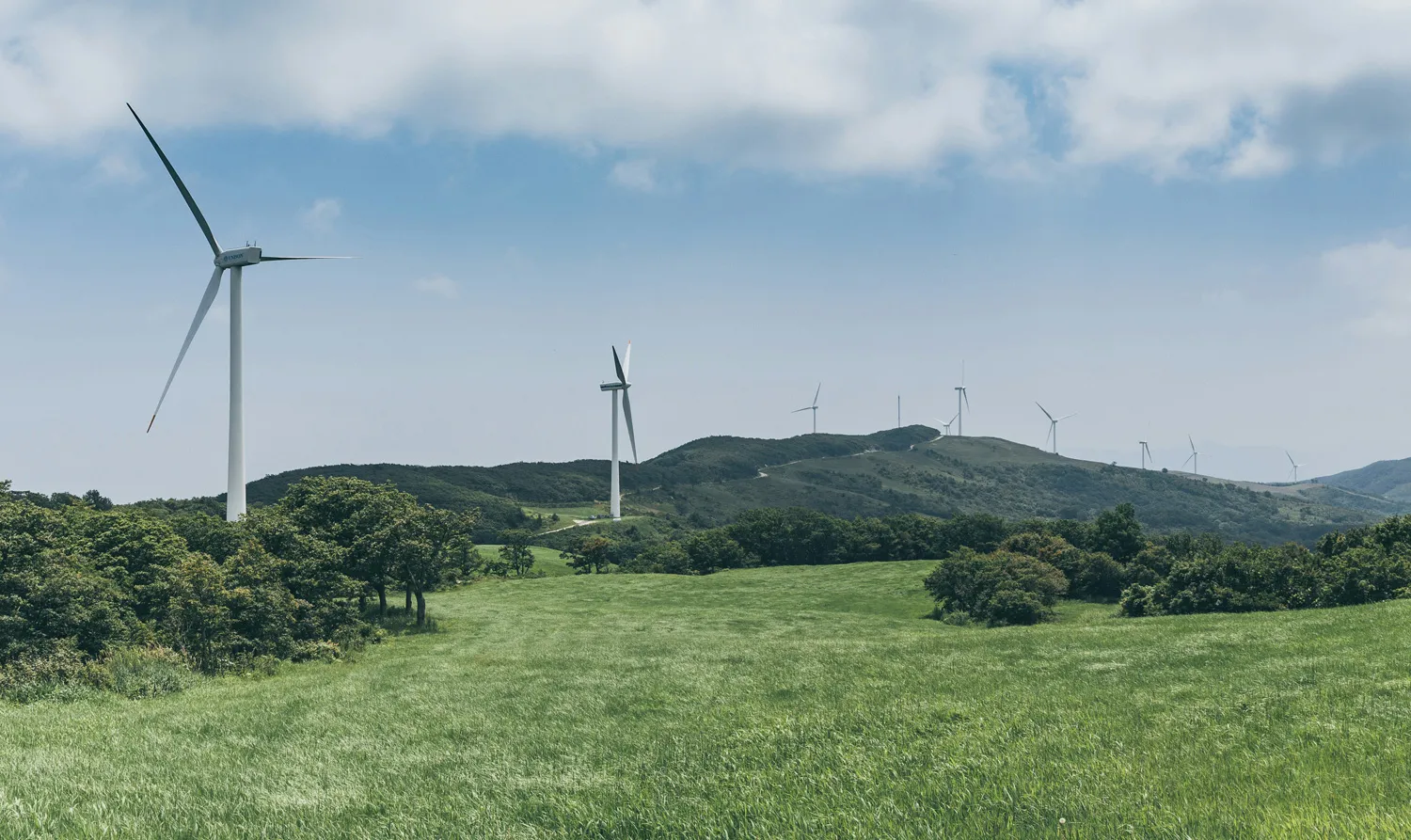
One of our valued clients, Vestas, are a renewable energy organisation with multiple remote wind farm sites across Australia.
Vestas initially signed up to our induction system before deciding to add on our sign-in software.
Due to not having a site office, they required a process that would enable them to manage who’s on site with ease.